


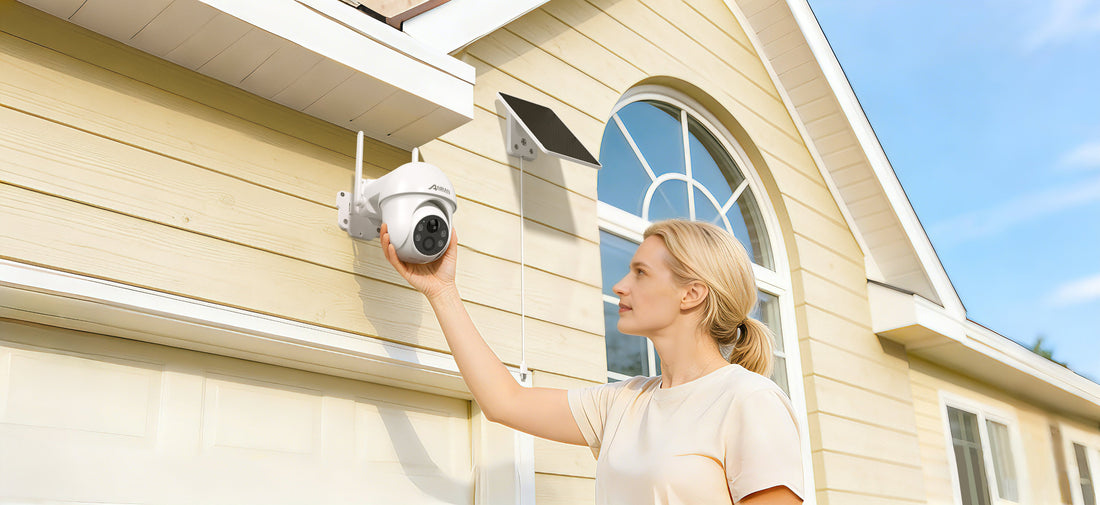
How to Use a Wireless Security Camera for Maximum Home Protection
How to Use a Wireless Security Camera for Maximum Home Protection
Wireless security cameras have become one of the most effective tools for protecting homes and businesses. With smart features like motion detection, night vision, and mobile monitoring, modern cameras provide real-time protection from anywhere.
This guide explains how to use wireless security cameras effectively to maximize home security.
Understanding Smart Camera Features
Modern security cameras offer advanced features that go far beyond basic video recording.
Motion Detection Alerts
Motion detection technology automatically detects movement and sends alerts to your smartphone. This allows you to respond quickly to suspicious activity.
Color Night Vision
High-quality cameras provide color night vision that captures clear images even in low light conditions.
Two-Way Audio
Two-way audio allows you to communicate directly through the camera using a mobile app. You can speak to visitors, delivery drivers, or warn intruders remotely.
Real-Time Mobile Monitoring
Wireless cameras allow users to monitor their property in real time through a mobile application.
- View live camera feeds
- Receive instant alerts
- Review recorded footage
- Adjust camera settings remotely
For example, the ANRAN Q3 4K Solar Battery Camera provides ultra-clear video and smart motion alerts for real-time monitoring.
Customizing Motion Detection Zones
Most smart cameras allow you to customize detection zones to reduce false alerts.
- Avoid busy roads
- Exclude moving trees
- Focus on entry points
This improves alert accuracy and reduces unnecessary notifications.
Storage Options
Security cameras typically offer two storage options.
Local Storage
Video footage is stored on a microSD card inside the camera.
Cloud Storage
Footage is securely stored online and can be accessed from anywhere.
Using Cameras in Remote Locations
If your property does not have WiFi, you can use a cellular security camera.
The ANRAN G1 4G LTE Solar Camera uses a SIM card for internet connectivity and is perfect for farms, construction sites, and vacation homes.
Best Practices for Camera Usage
- Check camera batteries regularly
- Clean camera lenses
- Update camera firmware
- Review security alerts frequently
Conclusion
Wireless security cameras are powerful tools for protecting homes and businesses. With the right setup and proper usage, they provide reliable surveillance, real-time alerts, and peace of mind.