


Home Security Is More Than a Camera: Build a Smarter Security Plan
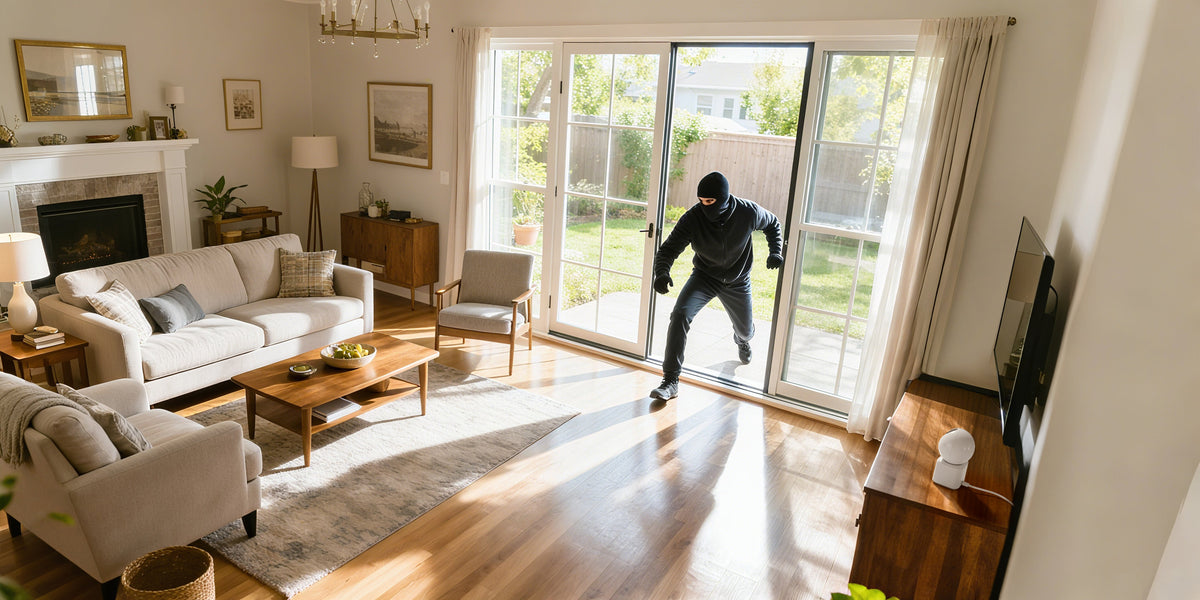
A Security Camera Is a Tool, Not the Whole Plan
Buying a security camera can feel like a straightforward decision. Choose a model, find a place to mount it, connect it to an app, and the job seems finished.
But a camera is only one part of how a home is protected.
Think about a typical house. The front door may be locked, but a side gate is left open during gardening. A driveway camera is installed, but a tree blocks part of the view. Motion alerts are enabled, yet nobody has checked whether notifications are reaching the right phone.
None of these situations necessarily means the household has made a serious mistake. They illustrate a more practical point: equipment works best when it is supported by a plan.
A useful home security routine starts with understanding the property, deciding which areas matter most, and making sure the equipment and everyday habits work together.
Think in Layers, Not Just Devices
Security planning becomes easier when you stop asking, “How many cameras do I need?” and start asking, “What does each part of my setup actually do?”
For most households, there are several different layers to consider.
Layer One: Everyday Prevention
Doors, windows, gates, and exterior lighting are part of the basic routine. Lock accessible entrances, repair damaged latches, and avoid leaving tools or ladders where they could make access easier.
These actions do not require a complicated system. They are ordinary habits that help reduce avoidable risks and make it easier to spot when something is not as it should be.
Layer Two: Visibility Around the Property
Outdoor cameras can help you observe entrances and other selected areas. The most useful position depends on the shape of the property, the route people take to reach the house, and what you want to be able to review later.
A front entrance camera, for example, may be useful for checking visitors and deliveries. A driveway camera serves a different purpose, while a camera covering a side gate may help you see an area hidden from the street.
There is no universal layout. The objective is to make deliberate choices instead of installing equipment wherever it is easiest to mount.
Layer Three: Notifications and Follow-Up
A notification only helps if you know what it means and what you can do next. Before relying on a camera, learn how its alerts work, where supported recordings can be found, and how to review an event without jumping to conclusions.
Not every motion alert is suspicious. People passing nearby, animals, moving foliage, and changes in light may all contribute to activity notifications, depending on the model and its settings.
It is worth reviewing your alert settings after installation rather than leaving every option at its default. The available controls vary by product, so use the manufacturer's instructions to understand what can be adjusted.
Start With a Map of Your Home
You do not need professional design software to review your property. A simple sketch of the house and yard can be enough.
Mark the front door, driveway, garage, side gates, accessible windows, and backyard entrance. Then note where existing cameras are installed and what each one can actually see.
Walk around the property and compare the real view with your sketch. Look for corners hidden behind walls, narrow paths that connect the front and back, and areas where a camera's view is obstructed.
This exercise often reveals more than a quick look at a product catalogue. You might find that an existing camera only needs a better angle. Alternatively, you may discover that a particular entrance is not covered at all.
Prioritize the gaps that matter to your household instead of trying to cover every square foot. The goal is useful visibility, not simply a higher camera count.
Match the Camera to the Job
Once you know which area needs attention, compare cameras based on the installation and the task you want the device to perform.
For an outdoor location without convenient access to wired power, a solar-powered battery camera may be worth considering. However, the location still needs to meet the model's requirements for sunlight, wireless connectivity, mounting, and weather exposure.
The ANRAN Q3 Max 5MP Solar Battery Camera is one option to compare for outdoor monitoring. Review the current product page to confirm its specifications and installation requirements.
You can also evaluate the ANRAN QV4M5 AOV 5MP Solar Battery Camera if you are comparing different solar-camera designs and supported features.
For homeowners interested in a camera with a dual-lens configuration, the ANRAN 4MP+2MP+2MP Dual-Lens Wireless Solar Security Camera with Two-Way Talk is another product to examine. Check the manufacturer's current description to understand the lens arrangement, available views, and supported functions.
If you are considering an integrated solar design, you can also review the ANRAN Q4 Max 5MP Integrated Solar Camera.
Rather than assuming one model is right for every location, compare the products against your own checklist: where the camera will go, what it needs to show, how it will receive power, how it connects, and what storage options it supports.
To review the wider range, browse the ANRAN security camera collection and use the current product specifications to narrow down the options.
Do Not Confuse Recording With a Response Service
It is also important to understand the difference between a camera system and a professionally monitored alarm service.
A camera may allow you to view activity, receive supported notifications, or review footage. What happens after an alert depends on the device, your settings, your connection, and whether you or someone else checks the event.
Professional monitoring is a separate service in which a monitoring provider handles qualifying alarm signals according to its procedures and service terms. A consumer camera should not be assumed to include that service unless the provider explicitly states that it does.
For a household choosing a self-monitored camera, it is sensible to establish who will receive alerts and how important events will be reviewed. If you need a formal alarm-response service, research that service separately and understand its coverage, fees, limitations, and emergency procedures.
Being clear about this distinction helps you choose equipment based on what it genuinely provides rather than what you hope it might do.
Make Your Setup Easier to Maintain
Installation day is only the beginning. A camera that worked well in spring may have a different view after plants grow, outdoor furniture moves, or a nearby light is replaced.
Build a quick check into your household routine. Every so often, review the camera's view, confirm that notifications are working as expected, and check whether the installation remains secure. For solar-powered models, inspect the panel and surroundings in line with the manufacturer's maintenance guidance.
It is also sensible to review account security. Use a strong, unique password where supported, keep access limited to people who need it, and check available software or firmware updates according to the manufacturer's recommendations.
For storage, confirm which recording options your model supports and whether your chosen setup is saving footage as expected. Local storage, cloud services, retention periods, and subscription requirements differ across products, so check the details rather than assuming they are the same.
Privacy Belongs in the Plan, Too
More visibility is not automatically better if it comes at the expense of someone else's privacy. When placing outdoor cameras, focus on your own entrances and property wherever possible.
Avoid unnecessary views into neighboring windows or private outdoor spaces. If your property is governed by homeowners' association rules, check the relevant guidance before installing visible equipment or recording shared areas.
Keep camera access limited to trusted users and be thoughtful about sharing clips. Footage can contain identifiable people, vehicles, and details about daily routines, so it should be handled responsibly.
Measure Success by Usefulness, Not Camera Count
A good home security setup is not necessarily the one with the most devices or the longest list of features. It is the one that addresses the property's actual needs and is simple enough for the household to maintain.
For one home, that might mean a well-positioned camera at the front entrance and a clear delivery routine. Another property may need visibility around a long driveway, a side gate, and a detached garage. The right solution depends on the layout, the occupants' routines, and the equipment's capabilities.
Start small. Map the property, identify the most important gaps, and review the options that fit those locations. Once the system is installed, take time to learn its settings and check that it continues to work as expected.
Home security is not a single purchase that permanently completes the job. It is a set of practical decisions that work together over time.
Compare available options: Visit the ANRAN security camera collection to explore cameras for different outdoor monitoring needs.
Subscribe for the Latest Updates
Security insights & offers right into your inbox